

By Alex • Updated Jan 6, 2026 AI Email Assistants are intelligent tools that help you manage your inbox more efficiently by automating tasks like drafting responses, summarizing emails, and organizing your inbox. After spending hours testing 22 different options on the market, I’ve narrowed it down to the top 8 AI Email Assistants you should check out for 2026.Documentation Index
Fetch the complete documentation index at: https://usefulai.com/llms.txt
Use this file to discover all available pages before exploring further.
Best AI Email Assistants
What Makes a Great AI Email Assistant?
Here are five key factors that make a great AI email assistant:- Seamless Integration: The ability to integrate smoothly with my email client, ensuring a seamless transition and minimal workflow disruption.
- Personalized Assistance: Providing tailored suggestions and drafts based on my writing style, preferences, and job role.
- Efficient Email Management: Offering features like automatic email categorization, smart replies, and email scheduling to significantly improve my efficiency and productivity.
- User-Friendly Interface: Being easy to navigate and use, enhancing my email experience without adding complexity.
- Robust Data Security: Ensuring strict data privacy regulations and robust security measures to safeguard sensitive information.
1. Flowrite
Key Features
- AI-Generated Emails: Flowrite writes your emails and messages in your browser, giving three personalized options.
- Intuitive Interface: Easy to use, Flowrite lets you automate repetitive responses and save time.
- Seamless Integration: It integrates with your email and messaging tools, fitting smoothly into your workflow.
My Take
I find Flowrite’s ability to generate high-quality emails quickly impressive. The intuitive interface and seamless integration with my tools have made it a valuable part of my routine. Overall, Flowrite is a powerful tool for anyone who writes a lot of emails and messages.2. Superhuman AI
Key Features
- Smart Writing: AI-powered email composition that turns brief prompts into complete emails, matching your personal writing style and tone
- Thread Intelligence: Automatic thread summarization that condenses long email conversations into bullet points, accessible with a single keystroke
- Priority Management: Smart inbox organization with AI-driven filtering to help prioritize important messages and maintain focus
My Take
Superhuman’s AI implementation stands out for its practical approach to email management, making it particularly valuable for professionals dealing with high email volumes. While the $30 monthly price tag might seem steep, the time savings and productivity boost make it worthwhile for power users who spend significant time in their inbox.3. Compose AI
Key Features
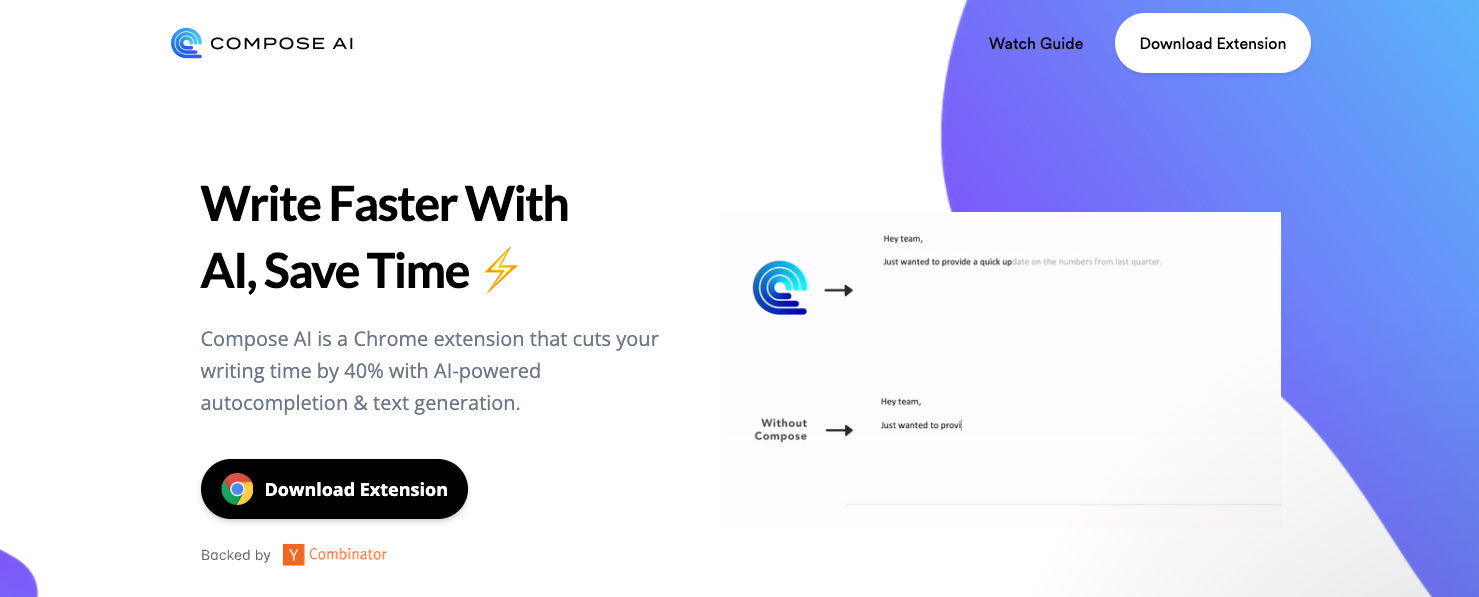
- AI-Powered Autocomplete: Uses AI to finish your sentences as you type, making writing much quicker.
- Personalized Writing Assistant: Acts as your personal assistant, cutting writing time by 40% so you can focus on more important tasks.
- Advanced Features: The premium version offers even more features, including extra personalization options.
My Take
I find Compose AI to be a game-changer if you write a lot of emails or documents. The AI-powered autocomplete is super handy, and it’s free forever, which is awesome. Overall, Compose AI is a must-try for anyone wanting to write faster.4. SaneBox
Key Features
- Automated Email Filtering: Uses AI to filter out junk and prioritize important emails, so you can focus on what matters.
- Customizable Features: Offers options like BlackHole, Snooze, and Daily Digest to help you handle emails your way.
- Security and Privacy: Ensures your emails are secure, with annual security assessments and external audits.
My Take
I love how SaneBox has streamlined my email management. The AI filtering is spot on, and the customizable features are now must-haves in my daily routine. Overall, SaneBox has really boosted my productivity and peace of mind.5. Lavender
Key Features
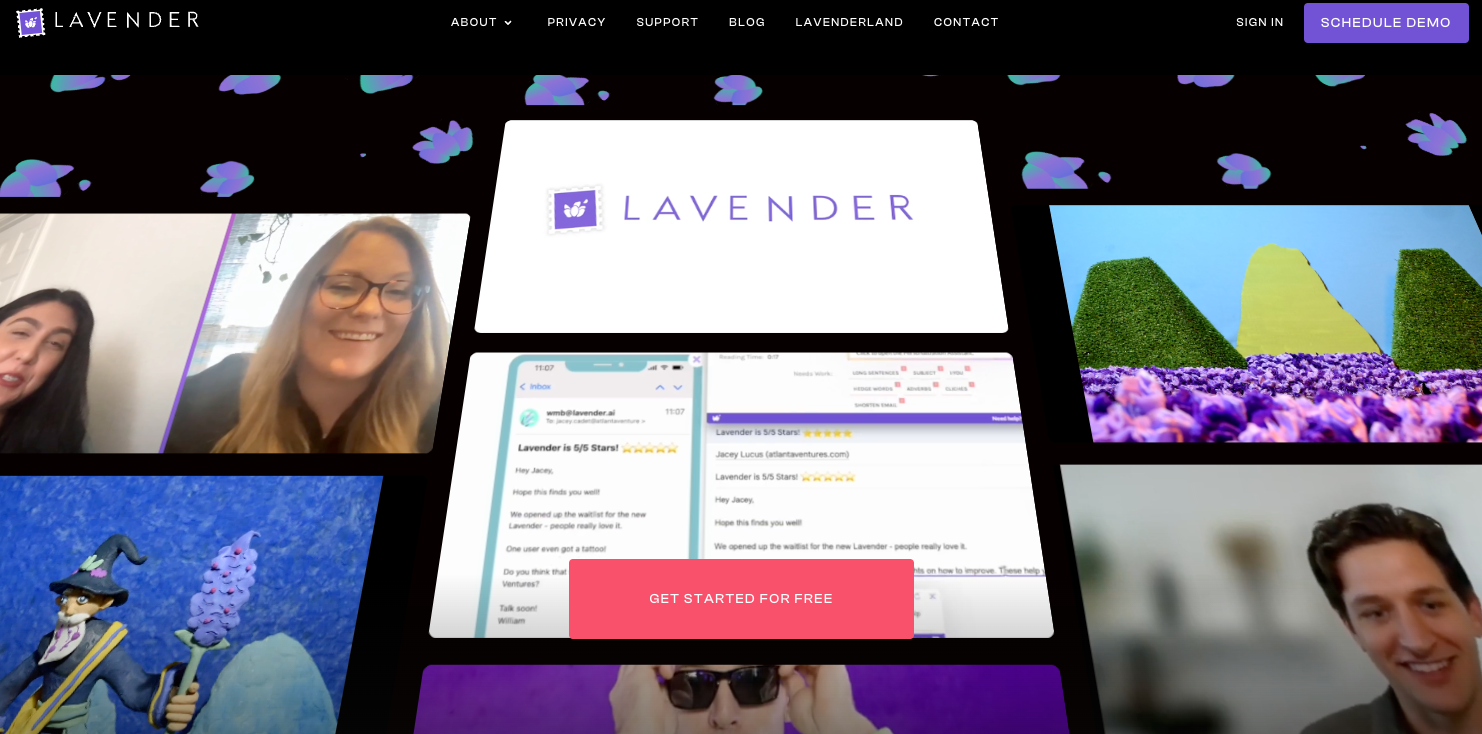
- Email Scoring: Scores emails to highlight areas for improvement, aiming for high reply rates.
- Personalization Assistant: Suggests ways to tailor emails using prospect data and personality insights.
- Real-time Coaching: Offers coaching based on inbox data and best practices to keep users updated.
My Take
I find Lavender incredibly useful. The instant suggestions for email improvement are spot on, and the personalization tips really help make a deeper connection with recipients. The real-time coaching is a standout feature, ensuring I’m always using the best practices. Overall, it’s a fantastic tool for anyone wanting to step up their email game.6. Mailbutler
Key Features
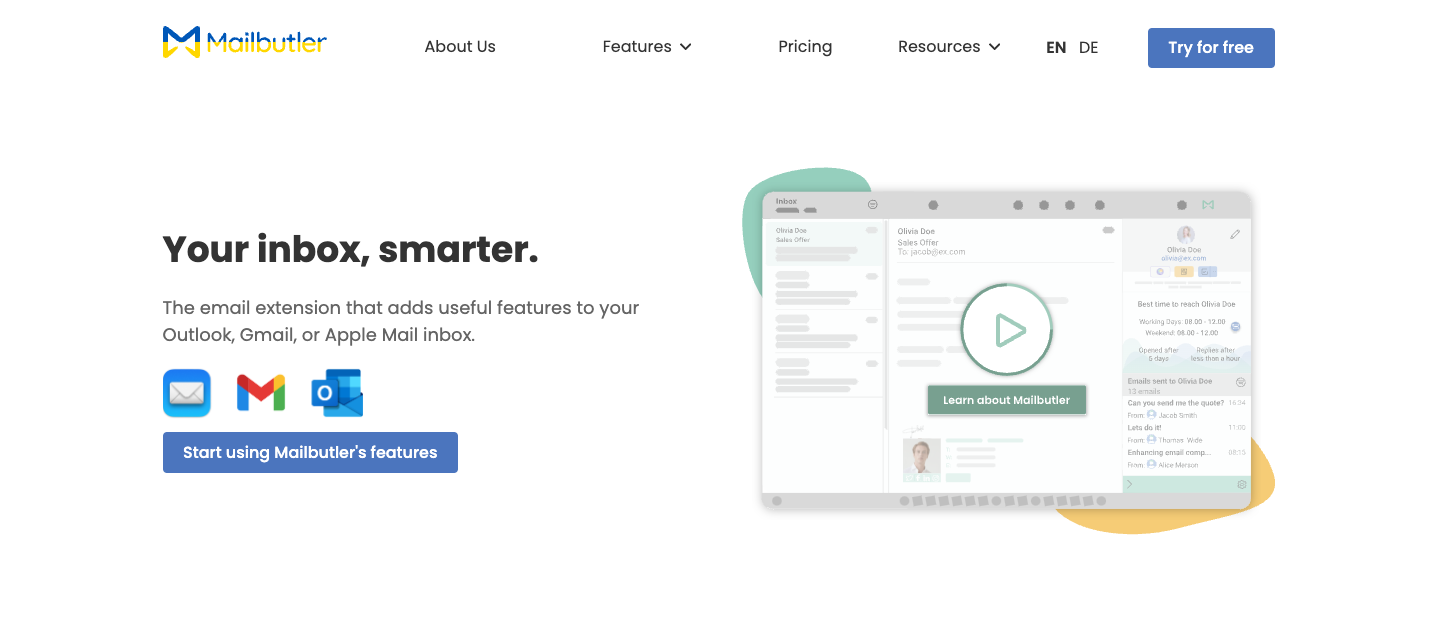
- Smart Send Later: Schedule emails or let Mailbutler choose the best time.
- Email Tracking: See when and how often your emails are opened and links clicked.
- Smart Assistant: AI that writes, responds, and summarizes emails, corrects grammar, and creates tasks automatically.
My Take
I like Mailbutler for making email management simpler. The Smart Assistant is really handy for day-to-day tasks. It’s a great tool if you want to make handling emails easier.7. SmartWriter
Key Features
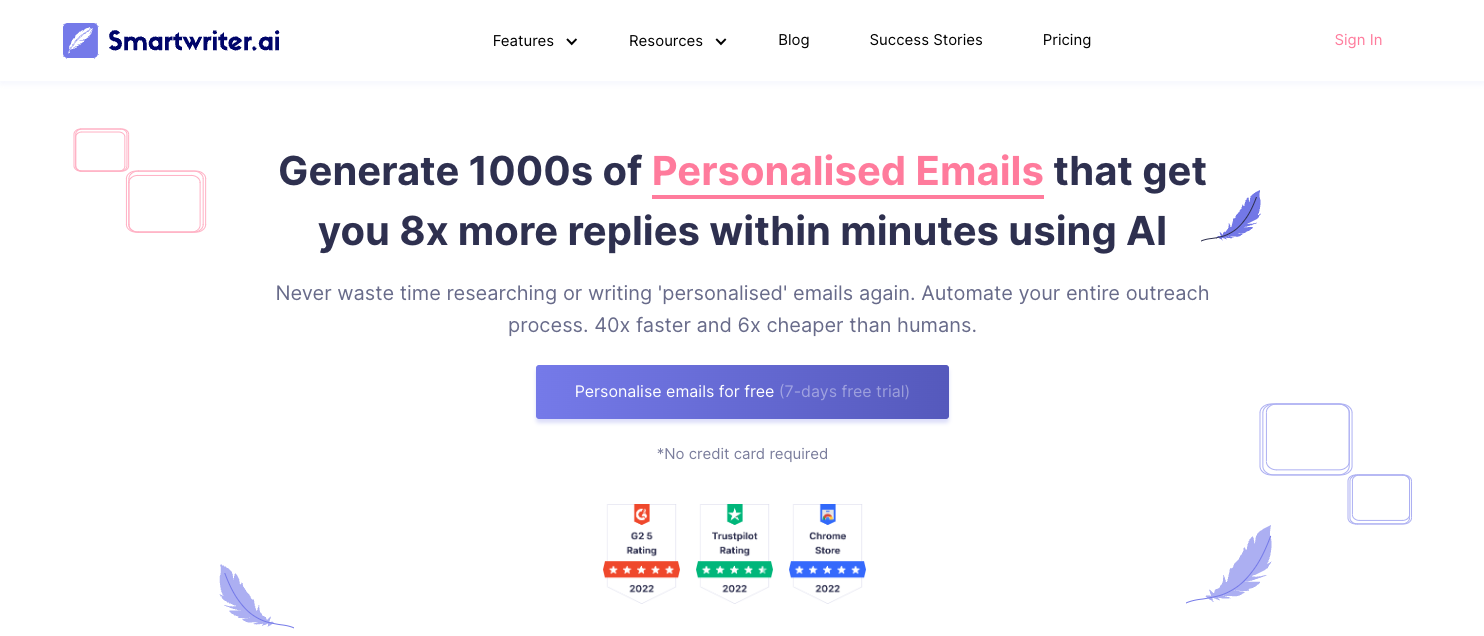
- Hyper-Personalized Emails: Creates emails tailored to the recipient’s interests and needs, boosting engagement and conversion rates.
- Automated Research: Automates researching, drafting, and editing emails, saving a lot of time.
- Email Verification and Social Profile Finding: Verifies email addresses and finds social profiles, helping target the right audience better.
My Take
I love how seamlessly SmartWriter fits into my workflow. The tool’s ability to craft emails that feel genuinely human-written is impressive. SmartWriter is a game-changer for any business looking to make email outreach more efficient and productive.8. Lyne.ai
Key Features
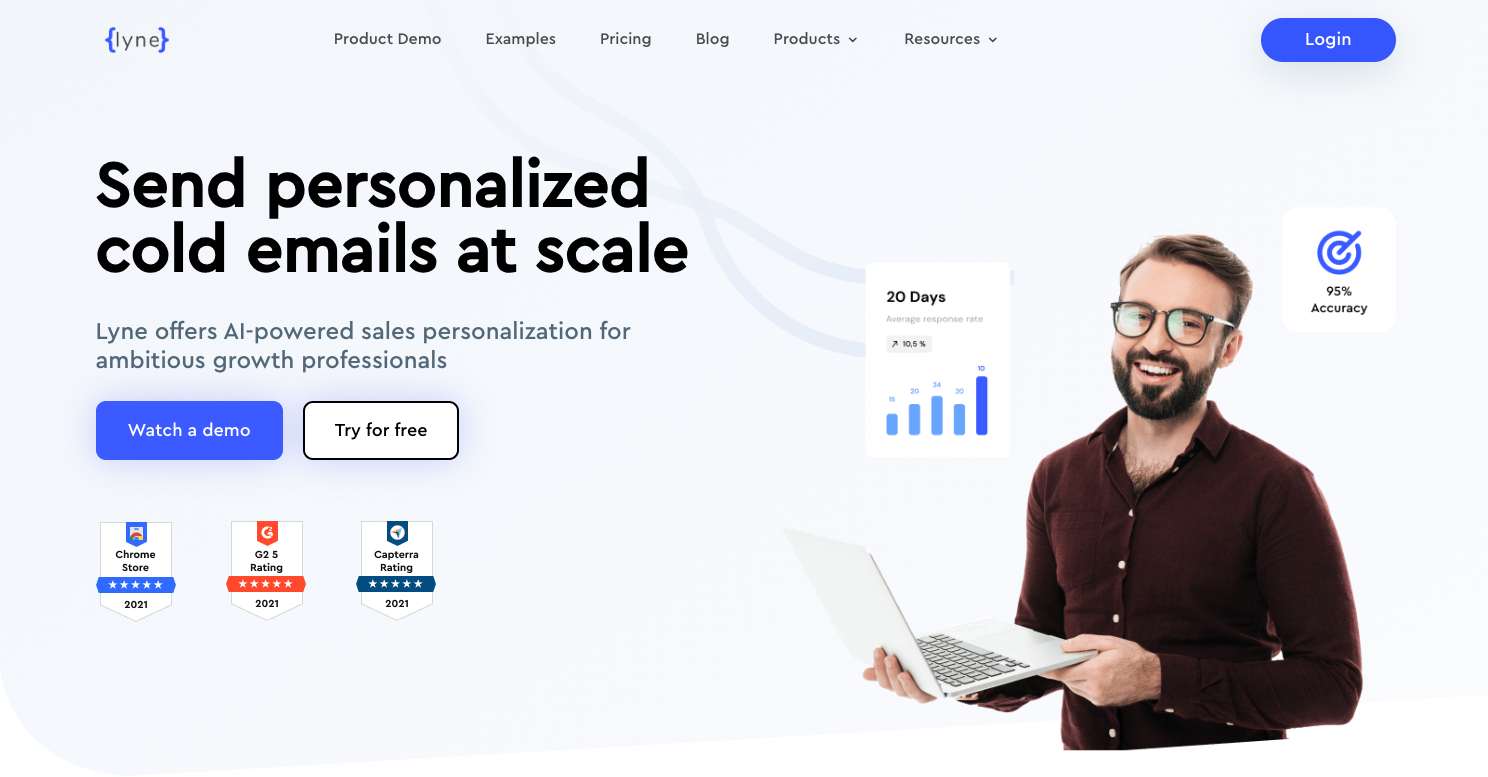
- Personalized Cold Email Introductions: Automates intros with custom icebreakers to grab attention.
- AI-Powered Writing Suggestions: Gives tailored tone and syntax tips to improve your emails.
- Streamlined Lead Research: Uses a Chrome extension to extract emails from LinkedIn Sales Navigator and gather profile data for targeted outreach.
My Take
I love using Lyne.ai for sending cold emails. It saves me tons of time and makes my emails feel very personal. It’s a great tool for anyone looking to improve their email game.Frequently Asked Questions
What is an AI Email Assistant?
What is an AI Email Assistant?
An AI Email Assistant is a software application that uses artificial intelligence (AI) technology to help you manage your email communication more efficiently. It can automate email writing tasks, offer personalized email responses, and help organize your inbox.
How does an AI Email Assistant work?
How does an AI Email Assistant work?
AI Email Assistants use AI algorithms and language models to offer valuable suggestions and tools to compose well-crafted and engaging email messages. They can automate tasks such as sorting and categorizing emails, prioritizing messages based on importance, suggesting responses, and even drafting emails.
Is my data safe with an AI Email Assistant?
Is my data safe with an AI Email Assistant?
Most AI Email Assistants prioritize data privacy and security. They often have strict data security standards and protocols in place to ensure the safety of your data. However, it’s always a good idea to review the privacy policy of the AI Email Assistant you choose to use.
Can an AI Email Assistant really save me time?
Can an AI Email Assistant really save me time?
Yes, an AI Email Assistant can significantly reduce the time you spend on managing and writing emails. By automating routine tasks and offering personalized email responses, these tools can help you focus on more critical tasks and improve your productivity.