

By Alex • Updated Jan 25, 2026 AI voice generators are incredible tools that can transform written text into natural-sounding speech, saving you time and effort while enhancing your content’s engagement and diversity. After spending hours testing 15 different options on the market, I’ve narrowed down the list to the top 7 AI voice generators you should check out in 2026.Documentation Index
Fetch the complete documentation index at: https://usefulai.com/llms.txt
Use this file to discover all available pages before exploring further.
Best AI Voice Generators
| # | Tool | Overall | Voice Quality | Control | Ease of Use | Free Option |
|---|---|---|---|---|---|---|
| 1 |  ElevenLabs ElevenLabs | 4.7 ★ | ★★★★★ | ★★★★☆ | ★★★★★ | Free Plan |
| 2 |  Murf.AI Murf.AI | 4.3 ★ | ★★★★☆ | ★★★★★ | ★★★★☆ | Free Plan |
| 3 |  PlayHT PlayHT | 4.3 ★ | ★★★★★ | ★★★★☆ | ★★★★☆ | Free Plan |
| 4 |  Resemble AI Resemble AI | 4.3 ★ | ★★★★☆ | ★★★★★ | ★★★★☆ | Free Plan |
| 5 |  LOVO AI LOVO AI | 4.0 ★ | ★★★★☆ | ★★★★☆ | ★★★★☆ | Free Plan |
| 6 |  Speechify Speechify | 4.0 ★ | ★★★★☆ | ★★★☆☆ | ★★★★★ | Free Plan |
| 7 |  Voicemaker Voicemaker | 3.3 ★ | ★★★☆☆ | ★★★☆☆ | ★★★★☆ | Free Plan |
What Makes a Great AI Voice Generator?
When I review AI voice generators, I focus on three main things: Voice Quality, Control, and Ease of Use. Here’s what each one means:- Voice Quality: I look at how natural and realistic the voices sound. The best voices should be clear, expressive, and as close to human speech as possible.
- Control: This is about how much you can customize the voice. Can you adjust pitch, speed, and emphasis? The more options you have, the better you can tailor the voice to your needs.
- Ease of Use: I check how easy the platform is to use. A good tool should have a simple, user-friendly interface that lets you create voiceovers quickly and easily, whether you’re a beginner or an expert.
1. ElevenLabs
Voice Quality: 5/5 ★
ElevenLabs excels in producing voices that sound incredibly natural and lifelike. The AI captures human intonation and inflections exceptionally well, making the output almost indistinguishable from real human speech.Control: 4/5 ★
The platform offers good control over voice parameters such as stability and clarity. You can adjust these settings to fine-tune the voice output to some extent. However, it lacks more granular controls like pitch adjustment and specific accent customization, which some advanced users might miss.Ease of Use: 5/5 ★
ElevenLabs is very user-friendly. The interface is clean and straightforward, making it easy for users to generate high-quality voice outputs quickly. This ease of use extends to its API, which integrates smoothly with other applications, although some users have noted that the documentation could be more comprehensive.Overall: 4.7/5 ★
ElevenLabs stands out for its exceptional voice quality and ease of use, making it a top choice for anyone needing realistic AI-generated voices. While it offers good control over voice parameters, there is room for more advanced customization options.2. Murf.AI
Voice Quality: 4/5 ★
Murf.AI delivers high-quality, natural-sounding voices that are quite realistic. The voices capture nuances and tonalities well, making them suitable for professional-grade content. However, some voices might still have minor synthetic artifacts, which is why it doesn’t get a perfect score.Control: 5/5 ★
Murf.AI excels in offering extensive control over voice parameters. You can adjust pitch, speed, emphasis, and pauses, which allows for precise customization. This level of control is fantastic for tailoring the voice to match specific needs and making the output sound just right.Ease of Use: 4/5 ★
The platform is generally user-friendly with an intuitive interface that makes it easy to create voiceovers quickly. However, some users might find certain advanced features a bit complex initially. The customer support is helpful, which makes the learning curve manageable.Overall: 4.3/5 ★
Murf.AI stands out for its high-quality voices and extensive customization options, making it a solid choice for professional voiceover needs. While it’s easy to use, some advanced features might require a bit of a learning curve.3. PlayHT
Voice Quality: 5/5 ★
PlayHT offers top-notch voice quality. The voices sound very natural and lifelike, capturing human intonation and emotion effectively. This makes it ideal for professional use where high-quality audio is essential.Control: 4/5 ★
PlayHT provides good control over various voice parameters, including pitch, speed, emphasis, and pauses. You can also define specific pronunciations and use SSML tags to fine-tune the output. While it offers a lot of customization, it might not be as extensive as some other platforms like Murf.AI.Ease of Use: 4/5 ★
The platform is generally user-friendly with a clean and intuitive interface. It’s easy to type, paste, or import text and convert it into audio quickly. PlayHT also supports real-time previews, which is helpful for making adjustments on the fly. Some users might experience occasional technical issues, but overall, it’s straightforward to use, even for beginners.Overall: 4.3/5 ★
PlayHT is a powerful and versatile AI voice generator that excels in voice quality and offers good customization options. It’s user-friendly and suitable for a wide range of applications, from marketing videos to e-learning content. While there might be minor technical hiccups, the overall experience is positive, making it a reliable tool for creating high-quality voiceovers.4. Resemble AI
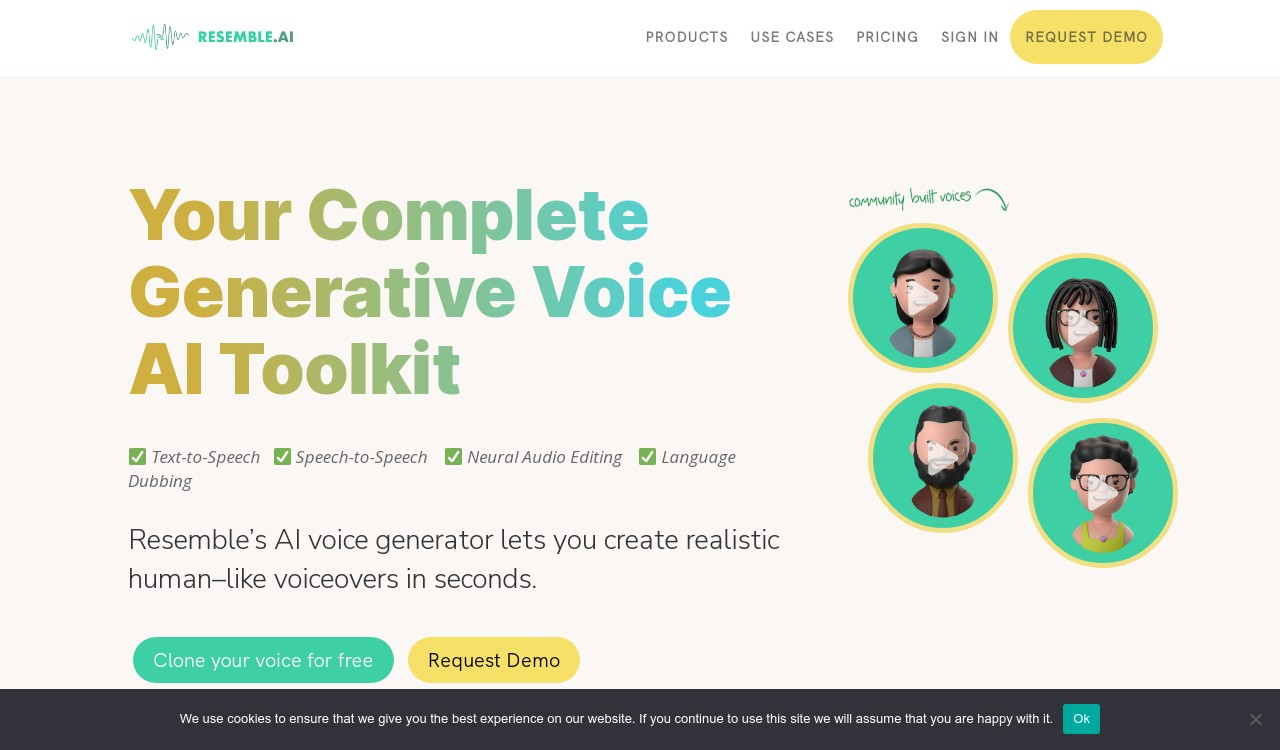
Voice Quality: 4/5 ★
Resemble AI produces high-quality, lifelike voices that are very convincing. The voices capture human emotion and intonation well, making them suitable for a wide range of applications like films, games, and voiceovers. However, while the quality is excellent, some voices might still sound slightly synthetic compared to the very best out there.Control: 5/5 ★
One of Resemble AI’s strongest points is its extensive control over voice parameters. You can adjust pitch, speed, and even add emotions to the voice. The platform also supports real-time voice cloning and speech-to-speech transformation, allowing you to fine-tune every nuance of the generated voice.Ease of Use: 4/5 ★
Resemble AI is generally user-friendly with a clean and intuitive interface. Setting up and generating voices is straightforward, even for beginners. However, the extensive features might require a bit of a learning curve for new users.Overall: 4.3/5 ★
Resemble AI stands out for its high-quality voice outputs and unparalleled control over voice customization. It’s a versatile tool suitable for professional-grade projects, from video games to customer service applications.5. LOVO AI
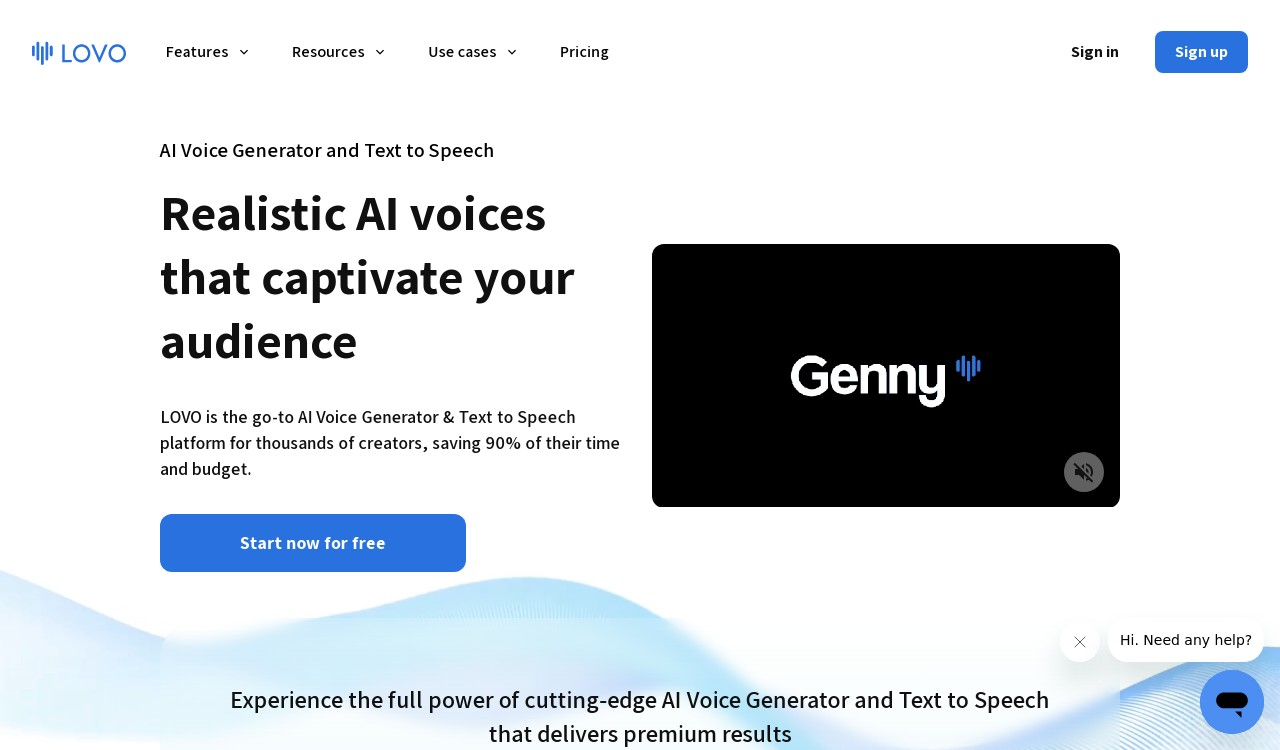
Voice Quality: 4/5 ★
LOVO AI offers very good voice quality, with voices that sound natural and engaging. The platform features over 500 voices in more than 100 languages, which makes it versatile for various applications like marketing, e-learning, and entertainment. While the voices are generally high-quality, some users might find occasional synthetic artifacts.Control: 4/5 ★
LOVO AI provides good control over voice parameters. You can adjust pitch, speed, emphasis, and pauses to fine-tune the voice output. The platform also supports voice cloning, allowing you to create custom voices with just a minute of audio.Ease of Use: 4/5 ★
The interface is user-friendly and intuitive, making it easy to navigate and use. You can quickly generate voiceovers by typing or pasting text and selecting a voice. However, some users might experience a slight learning curve when exploring advanced features like voice cloning and customization.Overall: 4.0/5 ★
LOVO AI is a powerful and versatile AI voice generator that excels in voice quality and customization options. It’s user-friendly and suitable for a wide range of applications. While there might be occasional synthetic artifacts and a slight learning curve for advanced features, the overall experience is positive.6. Speechify
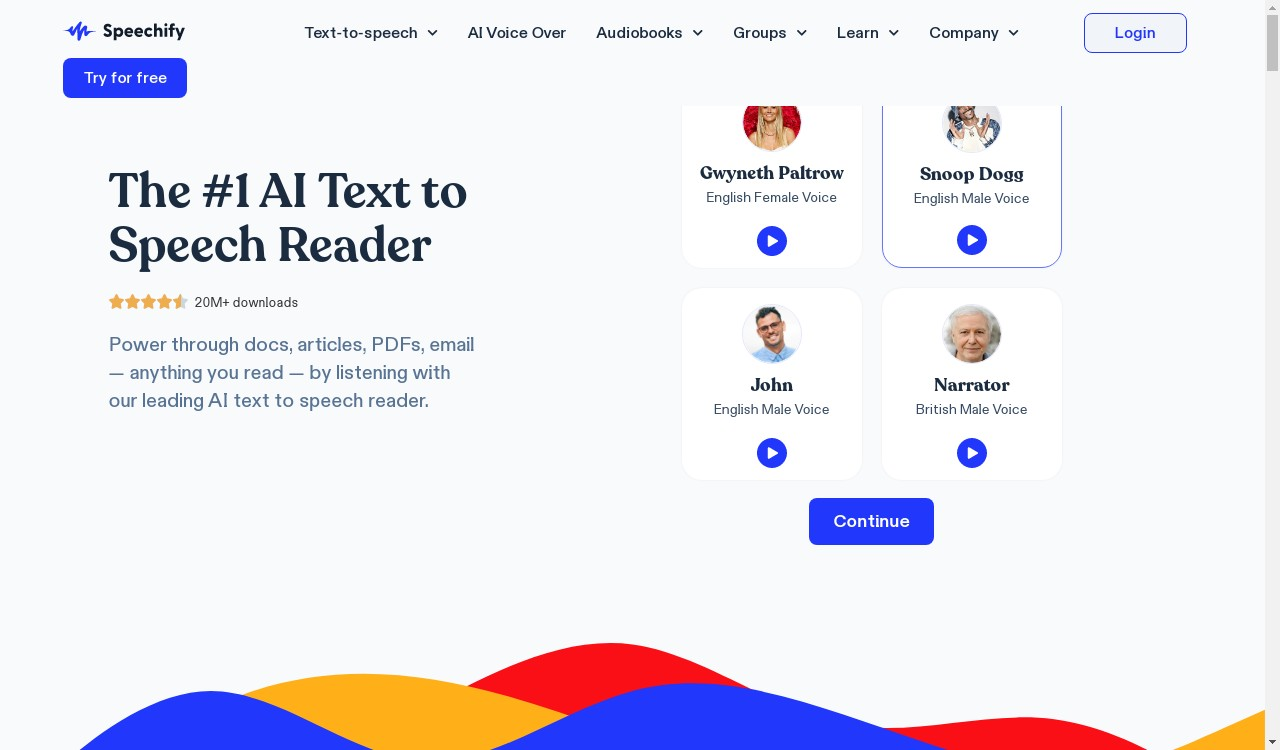
Voice Quality: 4/5 ★
Speechify offers high-quality voices that sound natural and fluid. The AI does a great job of capturing human intonation, making the speech easy to listen to and engaging. However, while the voices are very good, they might not be as expressive or lifelike as the very best options available.Control: 3/5 ★
Speechify provides basic control over voice parameters like playback speed and voice selection. You can also adjust pronunciation to some extent. However, it lacks more advanced customization options like pitch adjustment and emotional tone.Ease of Use: 5/5 ★
The platform is extremely user-friendly. The interface is clean and intuitive, making it easy for anyone to generate voiceovers quickly. You can type or paste text, select a voice, and generate the audio with just a few clicks.Overall: 4.0/5 ★
Speechify is a reliable and easy-to-use AI voice generator that delivers high-quality, natural-sounding speech. While it offers basic control over voice parameters, it might not be sufficient for users who need more advanced customization.7. Voicemaker
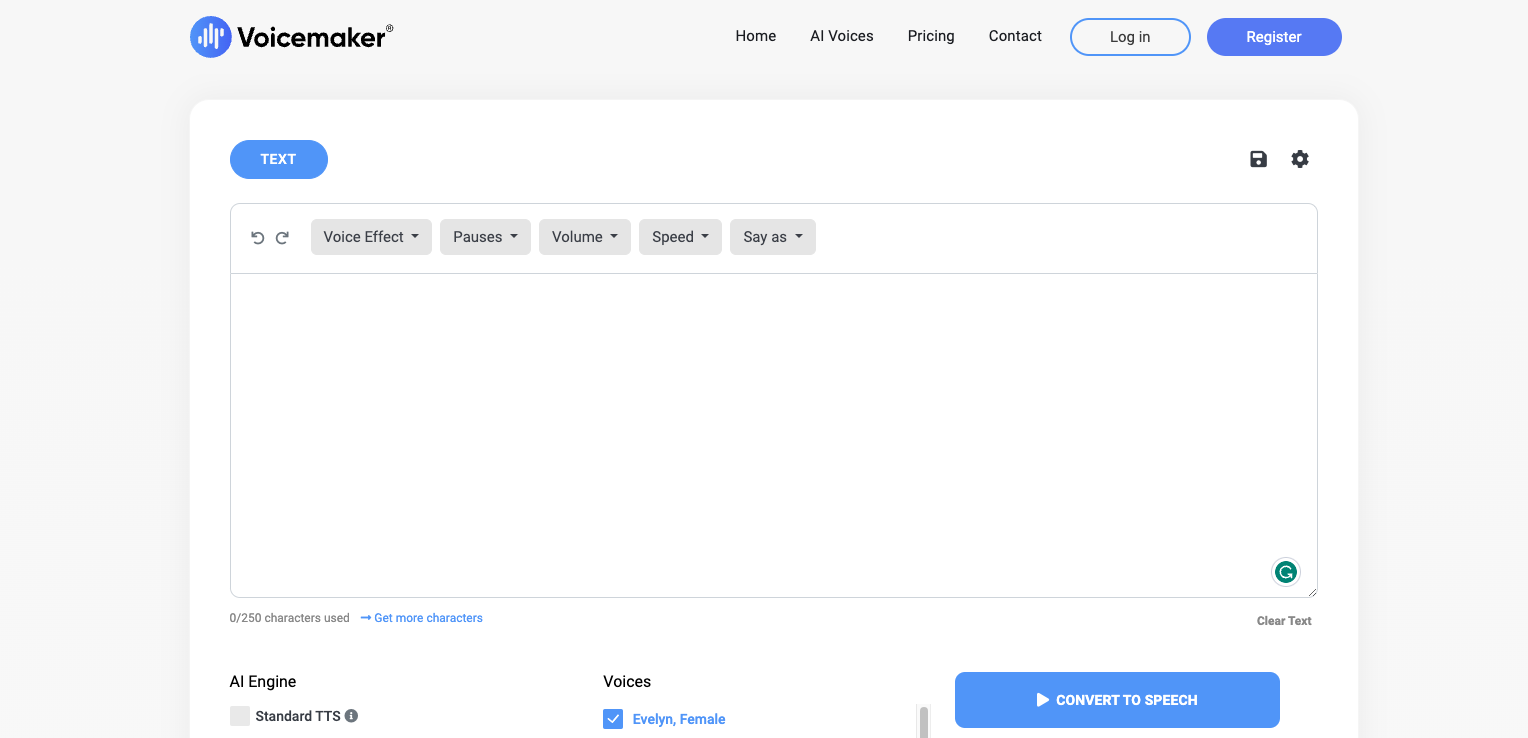
Voice Quality: 3/5 ★
Voicemaker provides decent voice quality, but the voices can sometimes sound a bit synthetic. While it offers a wide range of voices in over 130 languages, the output may lack the natural intonation and emotional depth found in higher-end tools.Control: 3/5 ★
The platform offers basic control over voice parameters like pitch, speed, and volume. You can tweak these settings to customize the voice output to some extent. However, it doesn’t provide advanced customization options like emotional tone adjustments or detailed voice cloning.Ease of Use: 4/5 ★
Voicemaker is easy to use with a straightforward interface. You can quickly type or paste text, select a voice, and generate audio files in formats like MP3 and WAV. The platform is accessible even for beginners, making it a convenient option for users who need a simple and quick text-to-speech solution.Overall: 3.3/5 ★
Voicemaker is a reliable and easy-to-use AI voice generator that provides decent voice quality and basic control over voice parameters. It’s suitable for simple projects and users who need a quick and straightforward text-to-speech tool.Frequently Asked Questions
Can AI voice generators produce voices in multiple languages and accents?
Can AI voice generators produce voices in multiple languages and accents?
Yes, most AI voice generators offer a variety of languages and accents, making it easier for users to create speech that suits their specific needs and audience.
Are AI voice generators expensive?
Are AI voice generators expensive?
The cost of AI voice generators varies depending on the provider, features, and quality of the generated speech.Some providers offer free trials or low-cost plans for basic voice generation, while more advanced options can range from a few dollars to several hundreds of dollars per month.
Can AI voice generators replace professional voice actors?
Can AI voice generators replace professional voice actors?
While AI-generated voices have come a long way in terms of quality and naturalness, they still lack the emotional range and nuance of a human voice actor.However, AI voice generators can be a valuable tool for generating voiceover drafts or creating synthetic voices for specific contexts, such as virtual assistants or chatbots.
What are some popular applications for AI voice generators?
What are some popular applications for AI voice generators?
AI voice generators are commonly used for various applications, including audiobooks, video narration, podcasting, e-learning, virtual assistants, and more.
Can I use AI-generated voices commercially?
Can I use AI-generated voices commercially?
In most cases, AI-generated voices can be used commercially, but it’s important to check the terms and conditions of the specific AI voice generator tool you are using.Some tools may require you to purchase a commercial license or pay additional fees for commercial use.