

By Alex • Updated Jan 17, 2026 AI transcription tools convert spoken words into written text with incredible speed, saving you countless hours of tedious manual transcription work. After rigorously testing 17 different options on the market, I’ve narrowed it down to the top 9 tools you should consider for 2026. This article focuses on tools that help you transcribe your voice or existing audio and video files. If you’re interested in transcribing meetings, check out my article on the best AI meeting assistants.Documentation Index
Fetch the complete documentation index at: https://usefulai.com/llms.txt
Use this file to discover all available pages before exploring further.
Best AI Transcription Tools
What Makes a Great AI Transcription Tool?
Here are five key factors to consider when choosing a great AI transcription tool:- Accuracy: The tool should be able to transcribe speech with high accuracy, even in noisy environments or with different accents.
- Ease of Use: The interface should be user-friendly, allowing you to easily upload files, manage projects, and edit transcripts.
- Speed: The tool should be able to transcribe files quickly, saving you time and increasing productivity.
- Customization: It should offer features that cater to your specific needs, such as multi-language support, real-time transcription, or collaboration tools.
- Reliability: The tool should consistently deliver high-quality transcriptions, ensuring that you can trust the output and focus on other tasks.
1. Otter
Key Features
- Real-time Transcription: Otter joins meetings to capture every word, letting users follow live on web or mobile.
- Automated Summaries and Action Items: Condenses long meetings into short summaries, and assigns tasks automatically.
- Integration with Popular Platforms: Works with tools like Salesforce, HubSpot, and Slack for smoother workflows.
My Take
I love how Otter takes the hassle out of manual note-taking. The real-time transcription keeps everyone updated, and the summaries and action items save lots of time. Overall, it’s great for boosting meeting productivity and collaboration.2. TurboScribe
Key Features
- High Accuracy: Delivers a 99.8% accuracy rate for crystal-clear transcripts
- Speed & Processing: Converts even long audio files to text within minutes
- Language Support: Works with 98+ languages, making it great for international content
- Security Features: Uses encryption to keep all files and transcripts private
My Take
After using TurboScribe for several months, I’ve found its speaker recognition feature particularly helpful for interview transcriptions. The interface is super clean and intuitive—I especially love how you can click any part of the transcript to jump to that exact moment in the audio.3. Rev
Key Features
- AI Transcription: Highly accurate AI-powered transcription at $0.25 per minute.
- Custom Glossaries: Improves transcript accuracy with user-created glossaries.
- Zoom Integration: Automatically transcribes Zoom meetings.
My Take
I find Rev to be a reliable choice for accurate transcripts. I especially like the custom glossary feature. The Zoom integration is a big plus, making it perfect for businesses with a lot of virtual meetings. Overall, Rev has strong features that make it a top transcription tool.4. TranscribeMe
Key Features
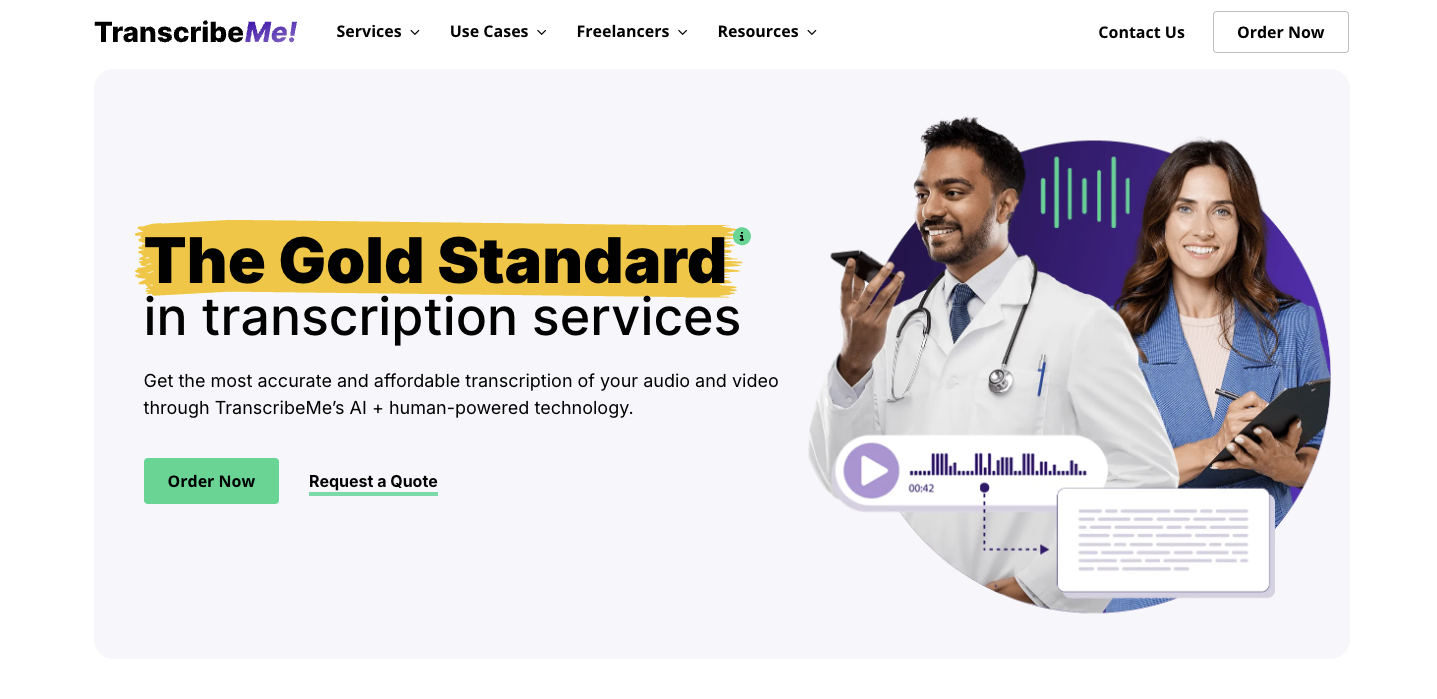
- Hybrid Processing: Uses both AI and human transcriptionists for better accuracy
- Quality Options: Offers different accuracy levels from 98% to 99%, with verbatim transcription available
- Format Support: Handles numerous file types, including WAV, MP3, MP4, and more, through a simple web interface
- Mobile Ready: Comes with iOS and Android apps for direct audio recording and submission
My Take
I’ve found TranscribeMe particularly reliable for clean audio files, though it can struggle a bit with heavy accents or background noise. The platform’s interface is straightforward to use, and I appreciate how it notifies you immediately when transcriptions are ready.5. Scribie
Key Features
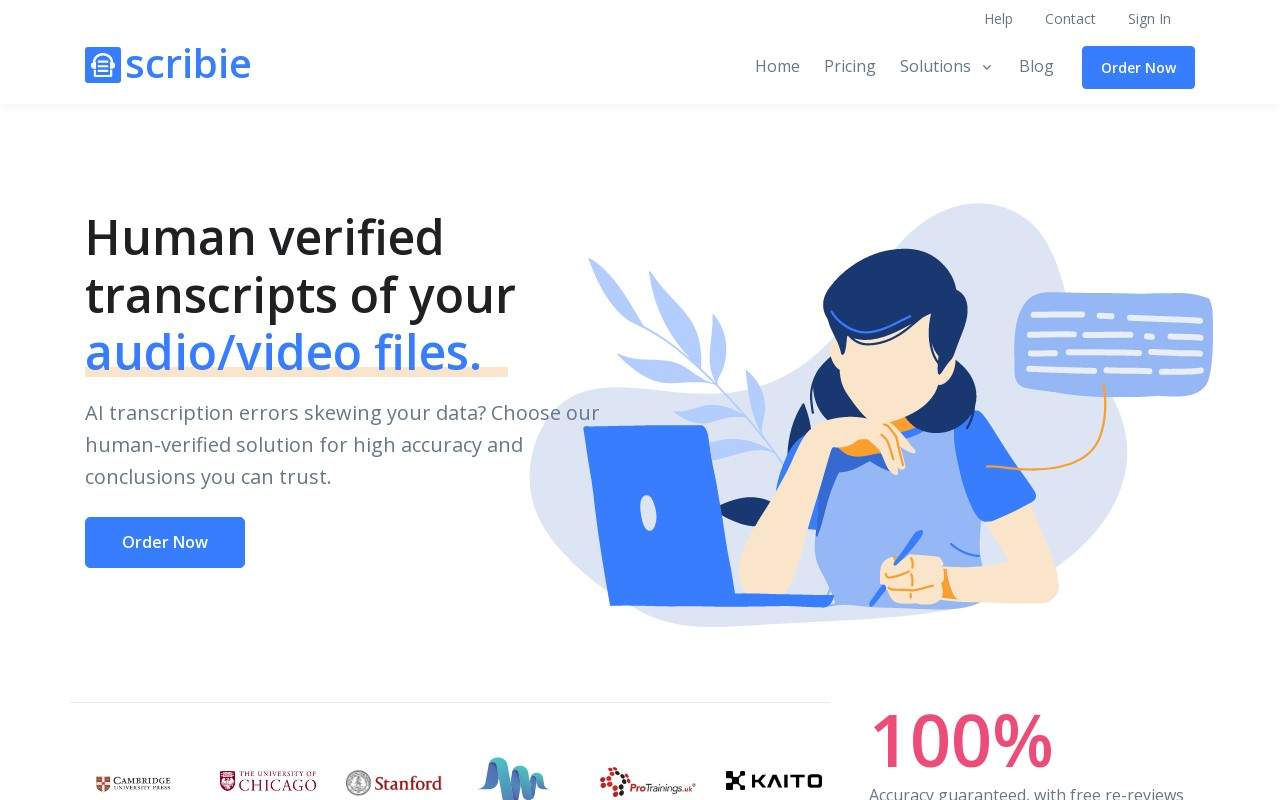
- 99%+ Accuracy: Their 4-step transcription process ensures very high accuracy, perfect for important tasks.
- Custom Formatting: You can request special formatting for your transcripts to meet your needs.
- Online Editor: Their web-based editor lets you quickly check and edit transcripts.
My Take
I find Scribie to be a great choice for those who need high-quality transcriptions at a reasonable price. I love their commitment to accuracy and the flexibility in formatting options. Scribie offers a smooth and reliable transcription experience.6. Sonix
Key Features
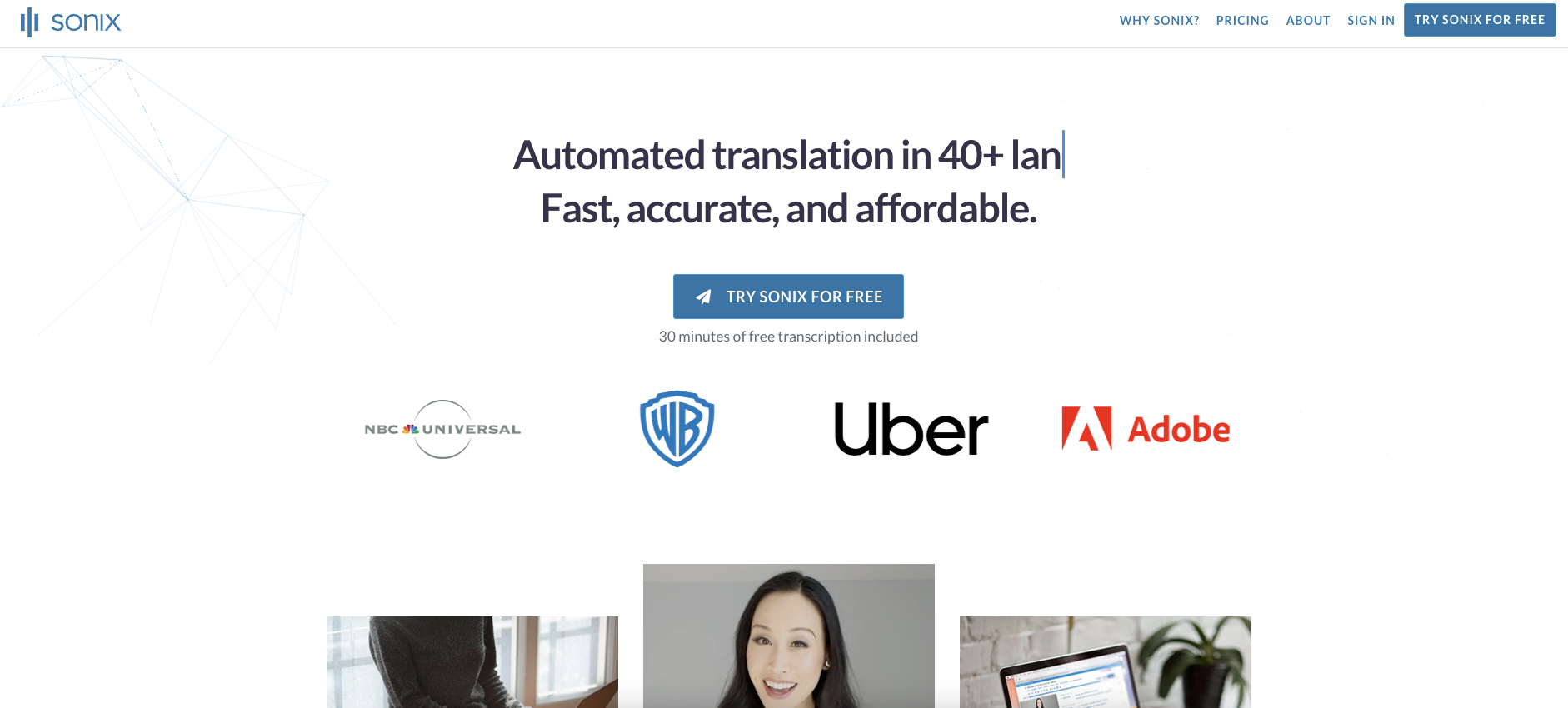
- Accurate Speech-to-Text: Supports over 49 languages for global accessibility.
- Automated Translation: Quickly translate your transcripts with advanced automated tools.
- AI Analysis: Conduct various types of analysis on your audio, video, and transcripts using advanced AI features.
My Take
I love how user-friendly Sonix is. Even if you’re not tech-savvy, it’s easy to navigate. The support for multiple languages and the advanced AI analysis tools really stand out to me. Overall, Sonix is a reliable option for anyone needing a smooth AI transcription experience.7. Trint
Key Features
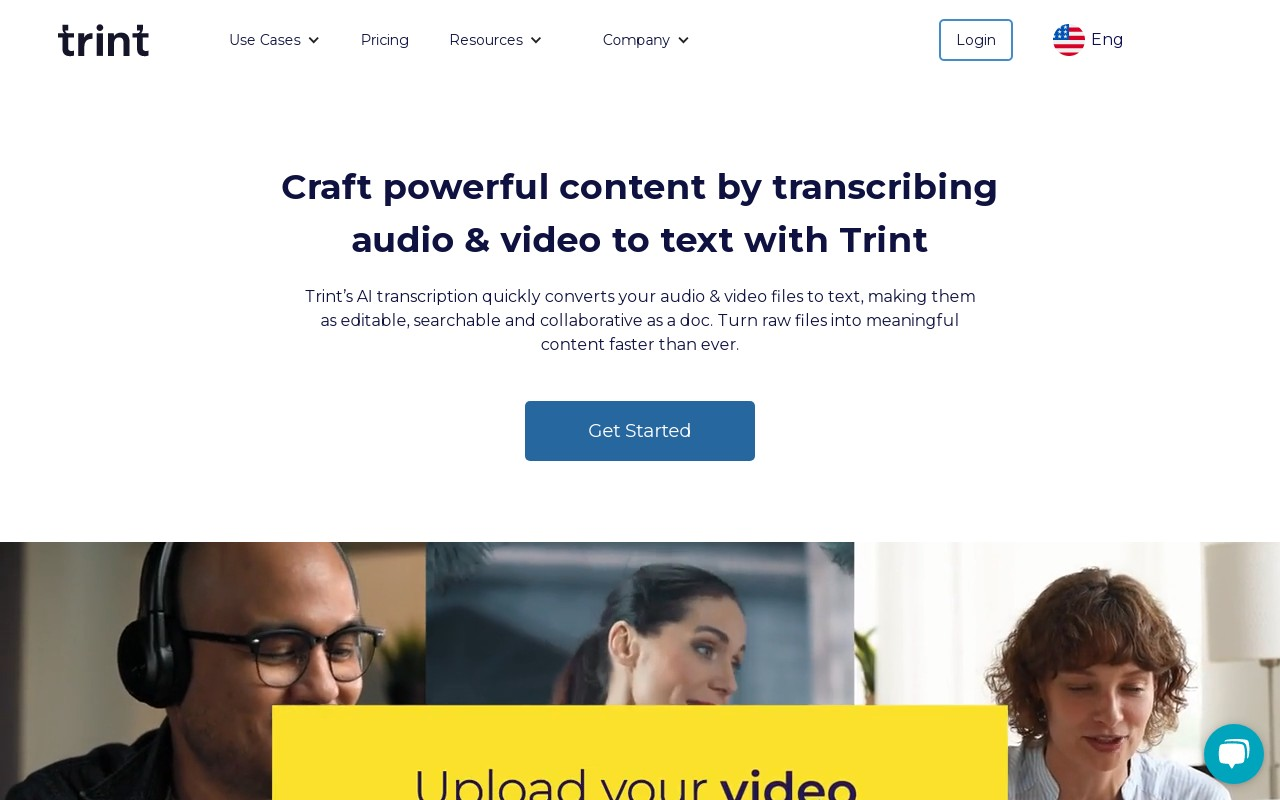
- Multi-Language Support: Supports transcription in over 40 languages with up to 99% accuracy.
- Real-Time Collaboration: Allows users to work together on projects in real-time.
- Advanced Editing Tools: Offers tools to verify, edit, playback, and search transcripts like a text document.
My Take
I find Trint to be incredibly easy to use for transcribing and editing audio or video files. I love the real-time collaboration feature, which is great for team projects. Overall, Trint is a reliable tool that saves time and effort.8. Temi
Key Features
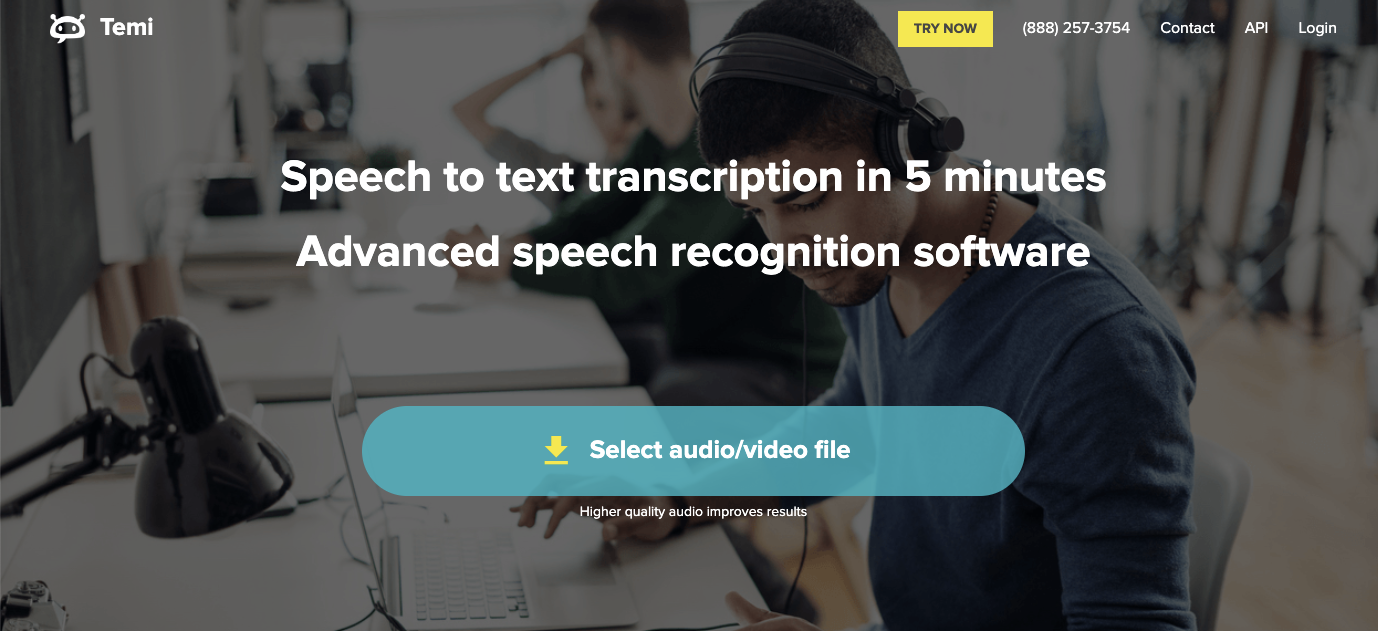
- Fast Transcription: Delivers transcripts in minutes for quick results.
- Simple Editing: Offers a free online editor to review and edit transcripts easily.
- Customizable Output: Export transcripts in various formats like MS Word, PDF, SRT, and VTT.
My Take
I find Temi to be a great choice for quick and accurate transcriptions. Its ability to handle clear audio with little background noise or strong accents makes it reliable. Overall, Temi’s simplicity and good pricing offer excellent value.9. Audext
Key Features
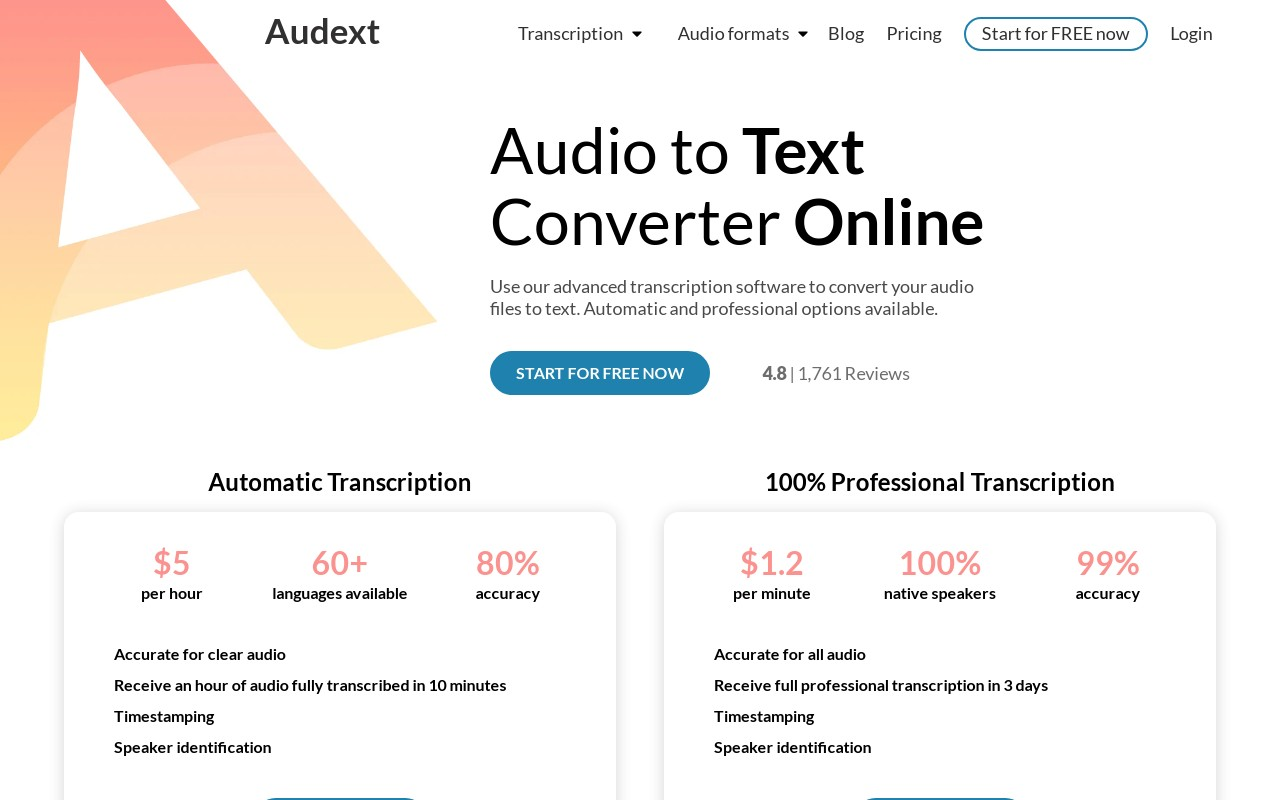
- Fast Transcription: Transcribes audio files in just minutes.
- In-Built Editor: Comes with an editor that highlights words, does find & replace, and controls playback speed.
- Speaker Identification: Recognizes different speakers in podcasts or interviews, making transcription easier.
My Take
I like Audext for its speed and accuracy. The in-built editor is great for reviewing and fixing transcripts right there. Overall, it’s a solid choice for quick and efficient transcription.Frequently Asked Questions
What are AI Transcription Tools?
What are AI Transcription Tools?
AI Transcription Tools are software applications that use artificial intelligence and machine learning to help you transcribe audio and video recordings into text. They offer features such as automated transcription, editing tools, and more, making it easier to convert spoken content into written form.
How do AI Transcription Tools work?
How do AI Transcription Tools work?
AI Transcription Tools use machine learning models to analyze the audio or video recordings and generate a written transcript. They can also learn from your editing habits and patterns to improve the accuracy of the transcripts over time.
Are AI Transcription Tools accurate?
Are AI Transcription Tools accurate?
AI Transcription Tools can be very accurate, but they are not perfect. They can make mistakes, especially if the audio quality is poor or if there are multiple speakers. However, they can save you a lot of time and effort compared to manual transcription.
Can AI Transcription Tools replace human transcribers?
Can AI Transcription Tools replace human transcribers?
Not completely. AI Transcription Tools are designed to assist transcribers, not replace them. They can help expedite the transcription process and reduce errors, but they still need human review and editing to ensure accuracy.
Can AI Transcription Tools handle multiple speakers?
Can AI Transcription Tools handle multiple speakers?
AI Transcription Tools can handle multiple speakers, but they may not always be able to distinguish between speakers accurately. They can also struggle with background noise or poor audio quality.
Are AI Transcription Tools secure?
Are AI Transcription Tools secure?
Most AI Transcription Tools prioritize data privacy and security. They often have strict data security standards and protocols in place to ensure the safety of your data. However, it’s always a good idea to review the privacy policy of the AI Transcription Tool you choose to use.
Can AI Transcription Tools help with language translation?
Can AI Transcription Tools help with language translation?
Some AI Transcription Tools can also offer language translation features, allowing you to transcribe and translate recordings in different languages.