

By Alex • Updated Feb 4, 2026 Thanks to the advancements in AI, you can now easily create professional and unique logos in just seconds, without having to spend a fortune on hiring a professional designer. In this comprehensive guide, we will explore the top 7 AI logo generators.Documentation Index
Fetch the complete documentation index at: https://usefulai.com/llms.txt
Use this file to discover all available pages before exploring further.
Best AI Logo Generators
| Tool | Best For |
|---|---|
| Looka | Overall logo design |
| LogoAI | Brand assets |
| Logomaster | Smart learning |
| Brandmark | Color and font pairing |
| Wix Logo Maker | Unlimited customization |
| Tailor Brands Logo Maker | Multiple logo types |
| Shopify Hatchful | Quick creation |
What Makes a Great AI Logo Generator?
When evaluating the best AI logo generators, there are several key features that set the top contenders apart:- Ease of Use: A user-friendly interface that allows for easy navigation and straightforward logo creation, suitable for users with varying levels of design expertise.
- Customization Options: The ability to tweak and fine-tune various elements like colors, fonts, and symbols, ensuring that the final logo aligns with the brand’s identity and vision.
- Unique Design Output: Generators that produce unique and professional designs, avoiding repetitive or overly generic templates, are crucial for distinctive branding.
- High-Resolution Downloads: The ability to download logos in various file formats (like PNG, JPG, PDF, SVG) suitable for different uses, from web to print.
1. Looka
Key Features
- Intuitive Interface: Guides you through the logo creation process with minimal fuss, allowing anyone to jump in and start designing right away
- Customization Tools: Lets you easily adjust colors, fonts, layouts, and symbols until you’re completely satisfied with your design
- Real-world Preview: Shows how your logo will look on business cards, websites, social media, and merchandise before finalizing
My Take
The logos generated by Looka are surprisingly high-quality and modern, with the AI ensuring designs are balanced and aesthetically pleasing. I found the customization process remarkably straightforward, though the uniqueness of your final logo depends heavily on how creative you are with your inputs.2. LogoAI

Key Features
- Template Library: Access to over 3.5 million templates ensuring variety while maintaining professional design standards
- Instant Results: Creates polished logo designs in under five minutes, with multiple options to choose from in a single generation
- Brand Assets: Extends beyond basic logos to create complete visual identities including business cards, social media graphics, and mockups
My Take
The AI truly excels at understanding design principles, producing logos that feel professionally made even without any design input from me. While some designs can feel slightly generic, the platform’s strength is in its comprehensive approach to branding that goes far beyond what most logo generators offer.3. Logomaster
Key Features
- Extensive Library: Offers over a million icons and 800 professional fonts for customization
- Smart Learning: Algorithm refines designs based on your selections and feedback
- Visual Preview: Shows logos on real-world mockups like business cards and banners
My Take
The way Logomaster adapts to my design choices makes the creation process feel collaborative rather than automated. I found the real-world mockup previews particularly helpful for visualizing how my logo would actually look in different contexts.4. Brandmark
Key Features
- AI Color Wheel: Automatically generates harmonious color palettes for your logo, allowing fine-tuning of hue and vibrance to match your brand personality
- Logo Rank: Provides AI-generated feedback and suggestions to improve your logo design, helping you create more effective and professional-looking logos
- Font Pairing: Suggests complementary typography combinations that enhance brand consistency and visual appeal across all your marketing materials
My Take
I found Brandmark particularly impressive for its ability to quickly generate multiple high-quality, minimalist logo options that required minimal tweaking to look professional. The AI color wheel and font pairing features stood out as especially useful tools that simplified what would otherwise be complex design decisions.5. Wix Logo Maker
Key Features
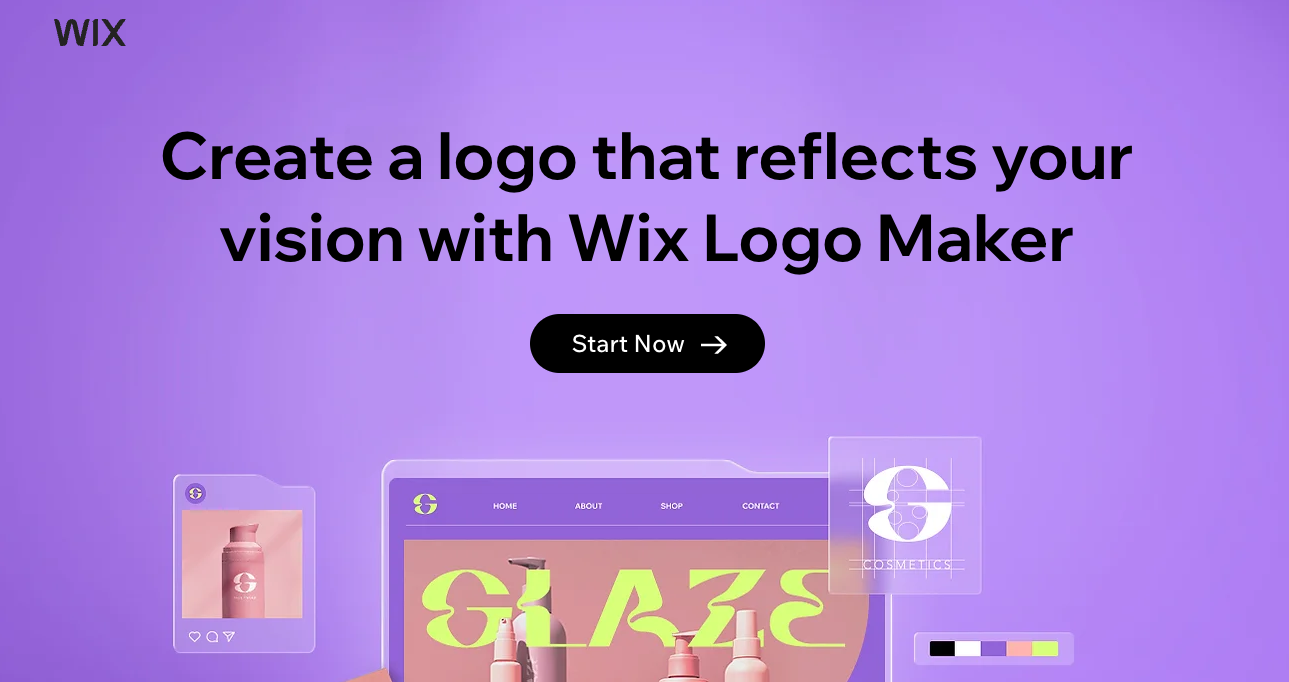
- Unlimited Customization: You can edit any part of your chosen logo design, changing icons, colors, fonts, and even uploading your own graphics for truly unique results
- High-res Files: Download professional-quality files including 5000x5000 px PNGs and scalable SVG vectors that look crisp at any size
- Preview Integration: See how your logo will look on business cards, merchandise, social media, and websites before finalizing your design
My Take
The AI’s initial logo suggestions sometimes miss the mark, but the robust drag-and-drop editor more than makes up for it with impressive customization options. I found the side-by-side style preference selection particularly helpful in narrowing down design options, making it easy to create a professional-looking logo even without design skills.6. Tailor Brands Logo Maker
Key Features
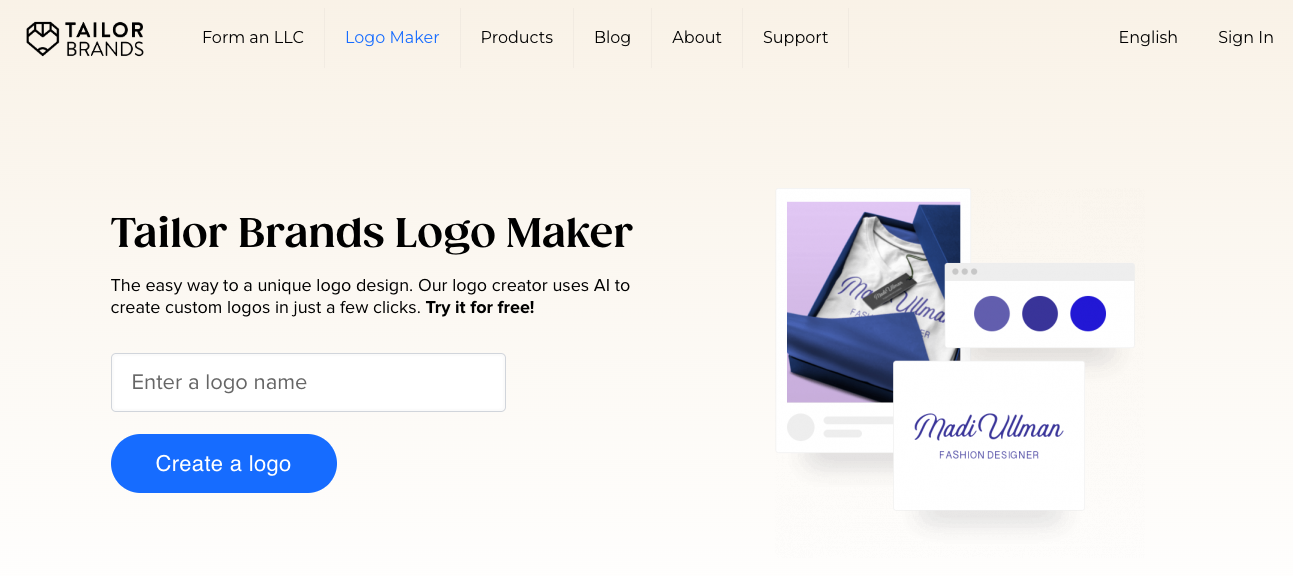
- Multiple Logo Types: Choose between icon-based, name-based, or initial-based logos with hundreds of design options to perfectly match your business needs
- Full Customization: Edit fonts, colors, icons, and arrangements in the studio until your logo looks exactly how you want it
- High-Res Downloads: Get your logo in multiple formats including transparent PNG, vector SVG and EPS files ready for both digital and print applications
My Take
The AI creates surprisingly diverse and professional-looking logos that genuinely feel custom-made rather than template-based. I appreciate how the tool balances automated design with user control, making it perfect for non-designers who still want input into their final brand identity.7. Shopify Hatchful
Key Features
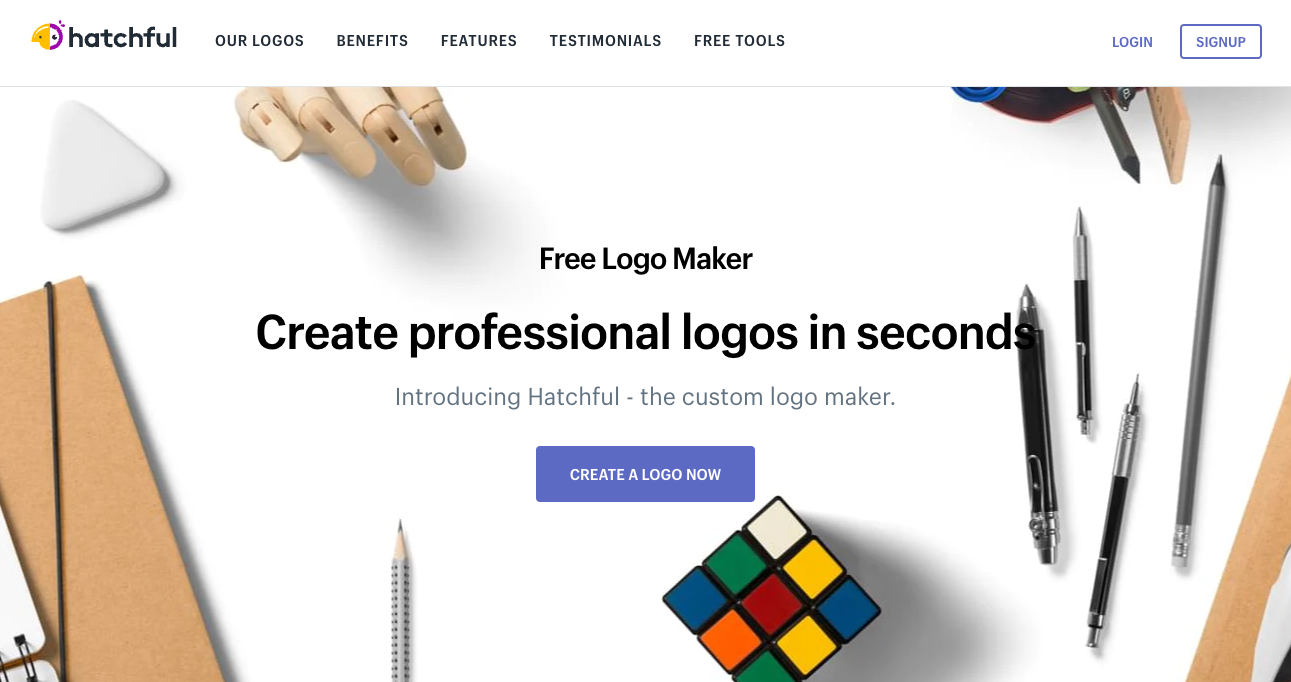
- Quick Creation: Creates professional logos in under 10 minutes through a simple step-by-step process
- Style Options: Includes 17 distinct visual styles from minimalist to bold and playful designs
- Ready-to-Use: Delivers logos in multiple formats optimized for websites, social media, and print materials
My Take
The guided workflow helps create logos that look custom-designed rather than template-based. I was particularly impressed by how the industry-specific recommendations produced results that felt authentic to different business niches.Frequently Asked Questions
Are AI logo generators free?
Are AI logo generators free?
While some AI logo generators offer free versions, most have premium packages that offer additional features and benefits. It’s essential to check the pricing details of the AI logo generator you’re considering using.
Can I customize my logo with an AI logo generator?
Can I customize my logo with an AI logo generator?
Yes, most AI logo generators allow you to customize your logo. This includes changing the color, font, icon, and layout to suit your brand’s identity.
Is it necessary to have design skills to use an AI logo generator?
Is it necessary to have design skills to use an AI logo generator?
No, one of the key advantages of AI logo generators is their user-friendly interface. They’re designed to be intuitive and easy to use, even for those with no design experience.
Are the logos created by AI logo generators unique?
Are the logos created by AI logo generators unique?
Most AI logo generators create unique logos for each user. However, as they use machine learning algorithms, there may be some similarities between the logos they generate.
Do I own the rights to the logo created by an AI logo generator?
Do I own the rights to the logo created by an AI logo generator?
Yes, most tools provide full commercial rights to the logos created using their platform. You’re free to use your logo for any commercial or non-commercial purpose.
What file formats do AI logo generators provide?
What file formats do AI logo generators provide?
Most AI logo generators provide a variety of file formats, including PNG, JPEG, SVG, and PDF. Some may also offer EPS or other vector formats.