

By Alex • Updated Feb 1, 2026 AI Image Upscalers & Enhancers transform your photos into high-quality images with just a few clicks. They’re perfect for bringing clarity and detail to your pictures. After rigorously testing 20 different options, we’ve narrowed it down to the 7 best choices you should explore in 2026.Documentation Index
Fetch the complete documentation index at: https://usefulai.com/llms.txt
Use this file to discover all available pages before exploring further.
Best AI Image Upscalers
| Tool | Best For |
|---|---|
| Upscale.media | Overall upscaling |
| Icons8 Smart Upscaler | Batch processing |
| VanceAI | Specialized AI models |
| Let’s Enhance | Custom controls |
| Img.Upscaler | Mobile-friendly |
| HitPaw Photo Enhancer | Face enhancement |
| DeepImage AI | Quality preservation |
What Makes a Great AI Image Upscaler?
Before we delve into the list of the best AI image upscalers, it’s crucial to understand the attributes that make these tools stand out.- Quality Upscaling: The primary task of an image upscaler is to increase the image’s size while maintaining or even enhancing its quality. The best AI image upscalers can magnify an image up to 4 times or more without causing pixelation or distortion.
- Ease of Use: A user-friendly interface is essential. Whether you’re a professional digital artist or a novice, the tool should be intuitive and straightforward to navigate.
- Speed: Time is often of the essence, especially when dealing with large volumes of images. High-speed performance without compromising on output quality is a must-have feature.
- Advanced Features: Additional features like noise reduction, color enhancement, and batch processing add value to an image upscaler.
- Pricing: Finally, the cost of the tool should align with its features and capabilities. A good AI image upscaler will offer a fair pricing model, providing excellent value for money.
1. Upscale.media
Key Features
- Resolution boost: Increases image size up to 4x without losing quality, maintaining natural details even from low-resolution originals
- Artifact removal: Effectively eliminates JPEG compression artifacts, reducing pixelation and bringing images closer to their original quality
- Fast processing: Delivers impressively quick results, with AI algorithms that analyze and enhance photos in just seconds
My Take
The output quality truly impressed me, with upscaled images showing remarkable detail retention and natural-looking results compared to other tools I’ve tested. I found the interface exceptionally straightforward, making it easy to enhance multiple images quickly without needing any technical expertise.2. Icons8 Smart Upscaler
Key Features
- Batch Power: Handles up to 500 photos at once, saving you tons of time on big projects
- High Resolution: Creates images up to 7680x7680 pixels, perfect for large prints and displays
- Auto Enhance: Cleans up noise and sharpens details during upscaling, especially in low-light photos
My Take
I found Icons8 consistently produced clearer edges and better textures than competing upscalers. It really shines with faces and complex patterns where other tools tend to create weird artifacts.3. VanceAI
Key Features
- Multiple upscaling options: Choose from 2x, 4x, 8x, 720p, 1080p, or 4K resolution enhancement to fit your specific needs
- Specialized AI models: Select from five different models including Photo, Anime, Art & CG, Text, and VERY Blurry to optimize results for different image types
- Output customization: Adjust format (JPG/PNG), quality settings (0-100), and DPI (72 for screen, 300 for print) to get exactly what you need
- Privacy protection: All processed images are automatically deleted within 24 hours to ensure your data remains secure
My Take
The results I got when upscaling very blurry photos were surprisingly good, with impressive preservation of fine details like eyelashes and fur textures even at 2x enlargement. The simple interface made the whole process quick and painless, letting me focus on getting the enhanced images I needed rather than figuring out complicated settings.4. Let’s Enhance
Key Features
- Multiple modes: Let’s Enhance offers Magic for general photos, Balanced for natural looks, Gentle for portraits, and Digital Art for illustrations
- Custom controls: Adjust enhancement strength, similarity, brightness, contrast, and saturation for fine-tuned results
- Batch processing: Upload and enhance multiple images simultaneously, saving significant time on larger projects
My Take
The Magic mode recovers details from blurry photos better than most competitors I’ve tested. The real-time preview feature makes experimenting with different settings quick and intuitive.5. Img.Upscaler
Key Features
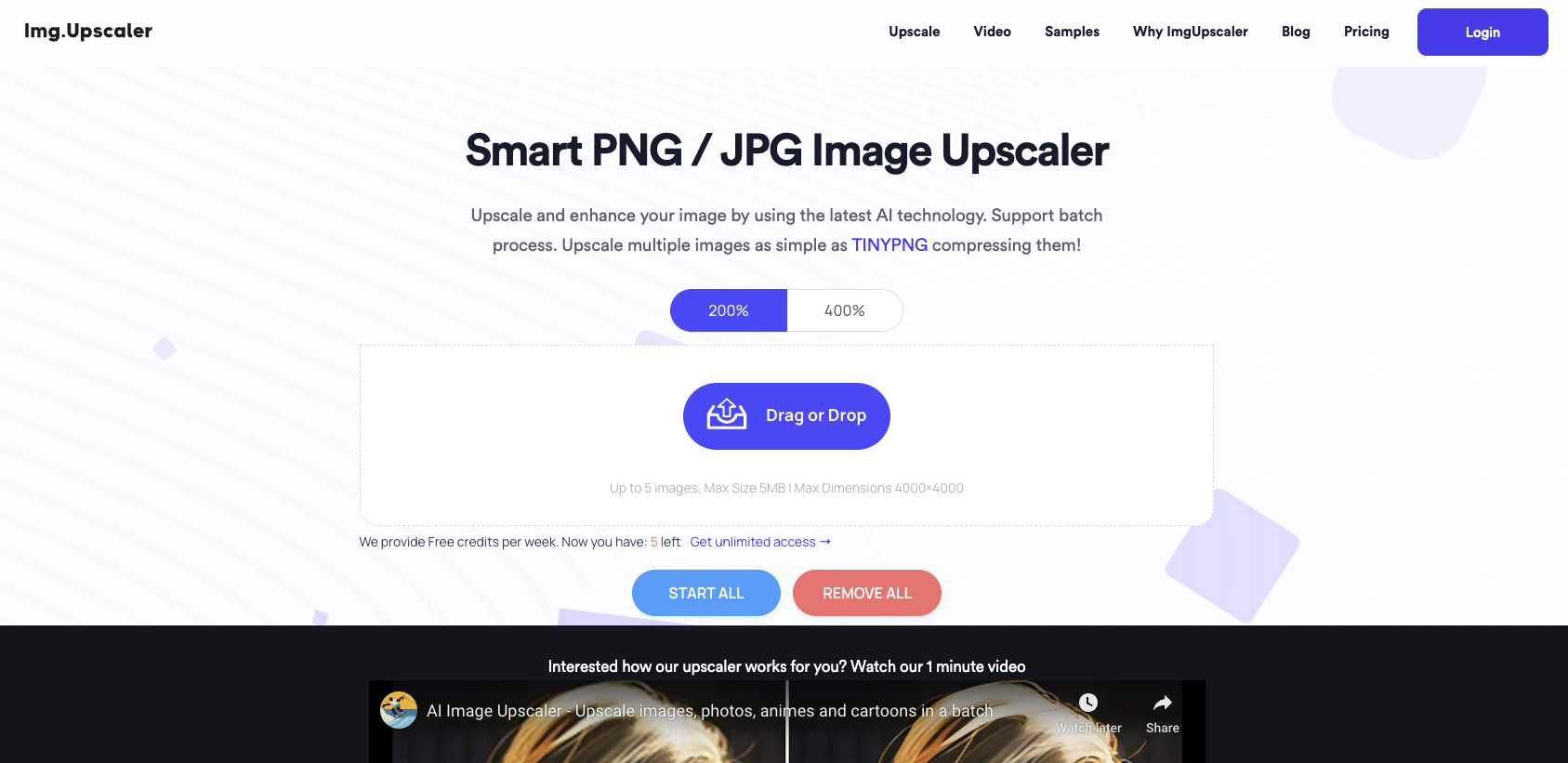
- Batch Processing: Upscale multiple images simultaneously, saving time when working with numerous photos
- Format Support: Handles various image types including PNG, JPG, and HEIC for universal compatibility
- Mobile Friendly: Works perfectly on smartphones and tablets without requiring any app installation
My Take
The simplicity of ImgUpscaler’s interface impressed me, allowing for quality results with just a few clicks. I found the automatic enhancement particularly effective at preserving intricate details while cleaning up artifacts in older or low-quality images.6. HitPaw Photo Enhancer
Key Features
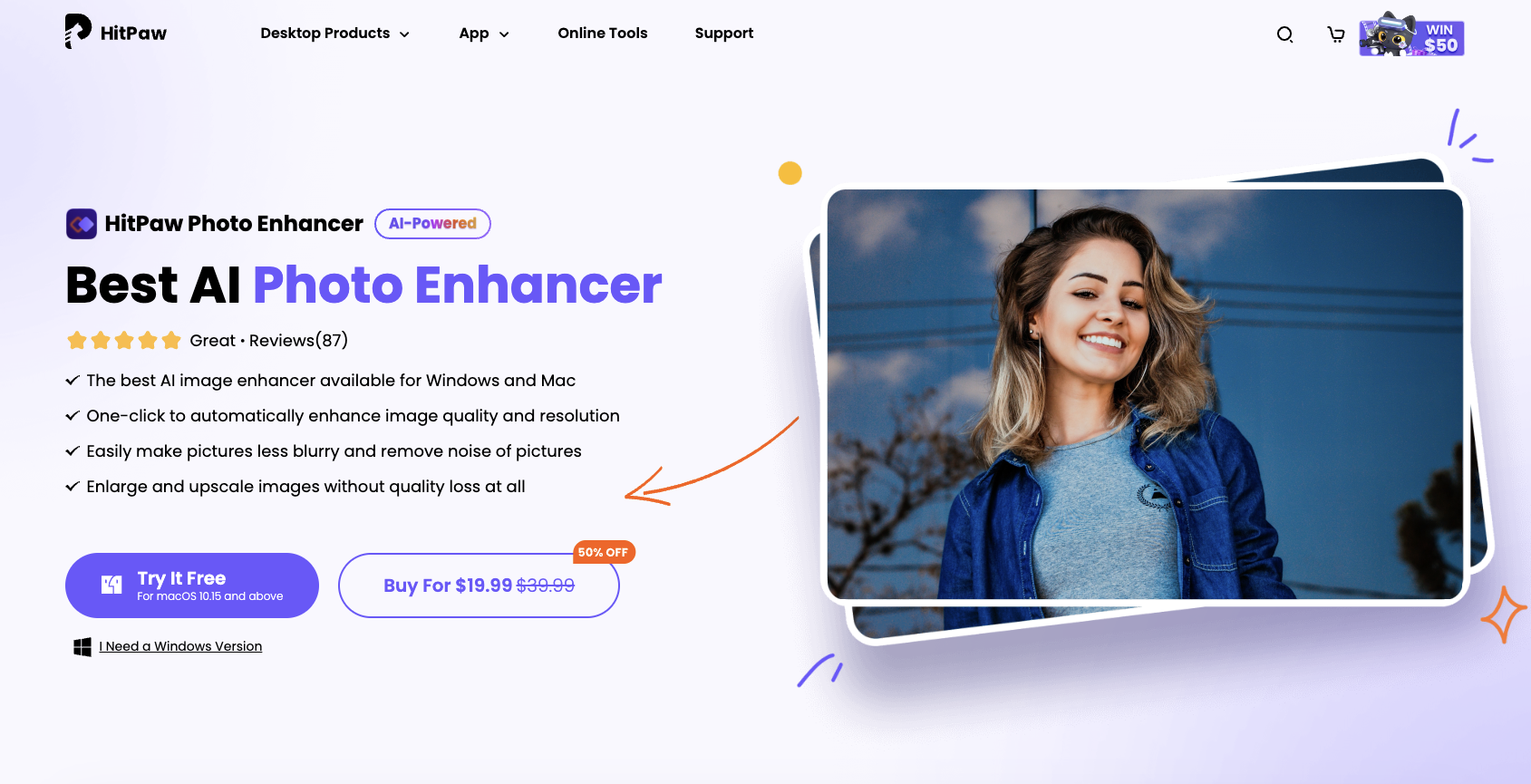
- Multiple AI models: Four specialized models (General, Denoise, Face, and Colorize) optimize upscaling for different types of images
- Lossless upscaling: Enlarges images up to 800% without quality degradation, maintaining crisp details even at extreme magnifications
- One-click enhancement: Automatically adjusts saturation, contrast, and brightness while improving resolution in a single operation
My Take
The face enhancement model delivers remarkably detailed results compared to other upscalers I’ve tested, especially when working with portraits and old photographs. What really stands out is how well it preserves fine textures while removing noise, something many competitors struggle with when pushing resolution limits.7. DeepImage AI
Key Features
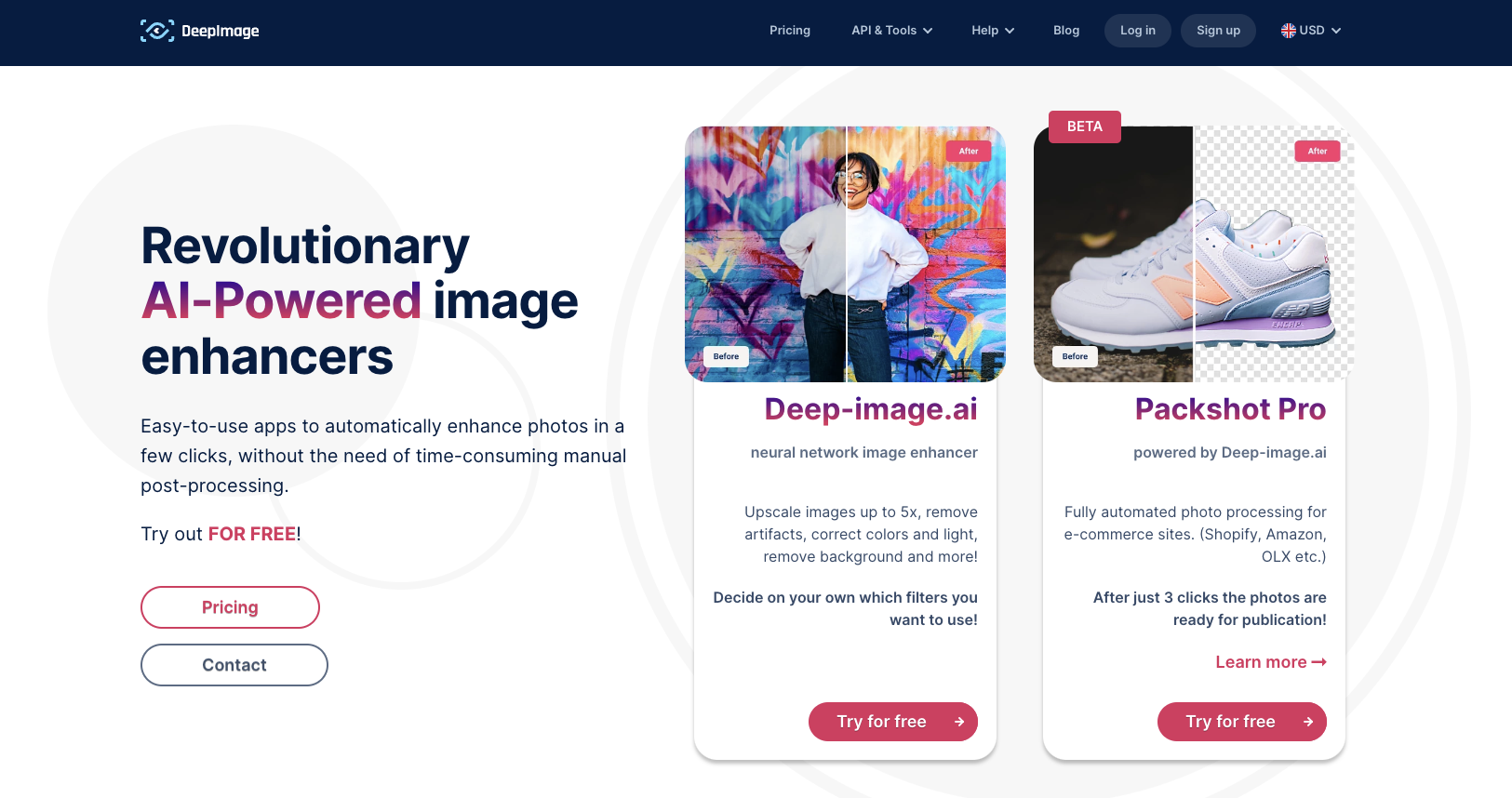
- Multiple Upscaling Options: Choose from 2x, 3x, 4x, 8x, or 16x scaling factors to increase image resolution based on your needs
- Quality Preservation: Maintains original textures and details while removing JPEG artifacts for crisp, clear results
- Enhancement Tools: Includes noise reduction, lighting adjustment, contrast control, and sharpness enhancement options
My Take
The way DeepImage AI maintains fine details even when upscaling older photos to 4K resolution is genuinely impressive compared to other upscalers I’ve tested. I found the interface surprisingly intuitive, making it accessible even for users without technical image editing experience.Frequently Asked Questions
What is an AI Image Upscaler?
What is an AI Image Upscaler?
An AI Image Upscaler is a software tool that uses artificial intelligence to increase the size of an image without losing its quality. These tools use advanced machine learning algorithms to analyze the pixels in an image and upscale them while preserving the image’s details and quality.
Why use an AI Image Upscaler?
Why use an AI Image Upscaler?
AI Image Upscalers are perfect for enhancing the quality of images, particularly when enlarging them. They can take low-resolution images and transform them into high-resolution ones without introducing pixelation or distortion. This makes them ideal for professional photographers, digital artists, and anyone else who works with images regularly.
Are AI Image Upscalers free?
Are AI Image Upscalers free?
Some AI Image Upscalers are free, while others offer free trials or have premium versions available for purchase. The cost often depends on the features and capabilities of the tool.
Can AI Image Upscalers enhance any image?
Can AI Image Upscalers enhance any image?
While AI Image Upscalers are designed to enhance a wide variety of images, the results can vary depending on the quality of the original image and the capabilities of the specific upscaling tool used.